What’s Up Poly?
Plex It!
Thanks to our very active, enthusiastic, and ingenious developer community, and as we are now at 84 full featured Polys (Node Servers) including more climate services. In this episode of What’s Up Poly, though, we are going to take a look at Home Theater Light Automation using the newly developed Plex Poly.
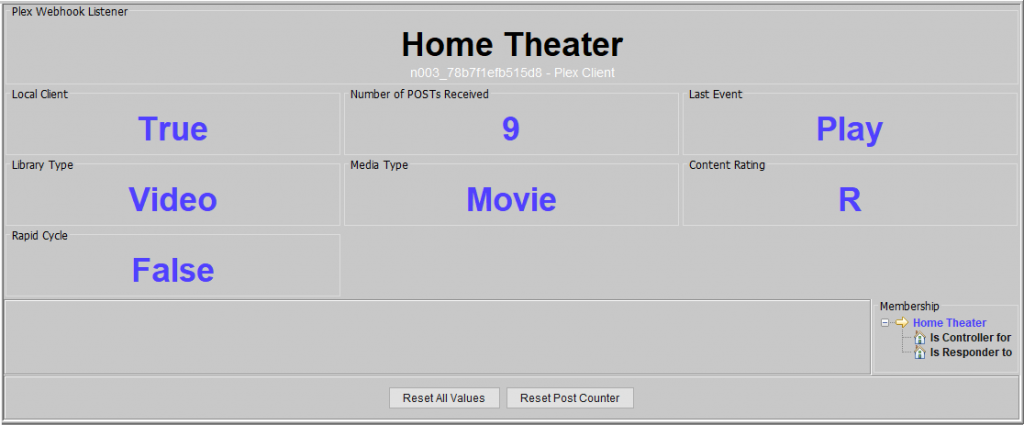
Without further ado, let’s let @ch491 and @ralbright, the brains behind this Poly, describe it all:
One of the ambitions I have had for my smart home is automation of room lighting while watching TV Shows and MOVIES at home, especially during the pandemic. There are very few ways to have the ISY know if you are actively watching a TV Show or MOVIE. In the past, you had to (gasp) manually turn lights on/off in the room when you start the movie. (Oh, the humanity!)
If you have a Plex Media Server, then adding the new Plex-Webhook to the ISY994 through your Polisy or PloyglotV2 node server, means your ISY now knows if something is playing in that room.
Examples:
You can create programs that can control the lighting based on when you start playing something like a movie.
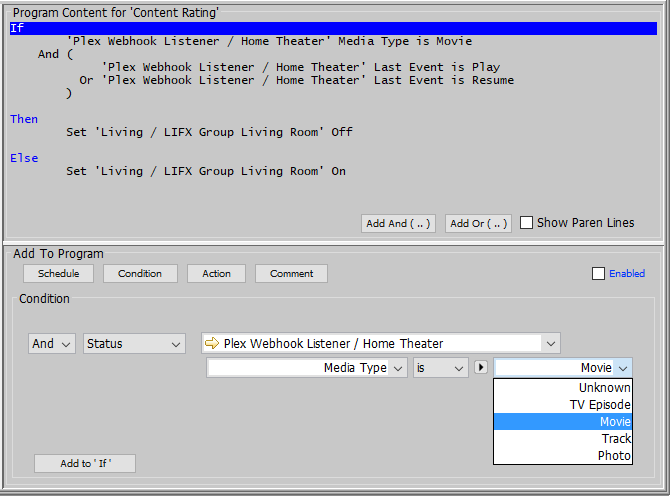
What about monitoring the Content Rating of what the kids are watching? You can write a program to alert you via the ISY’s various methods of doing so.
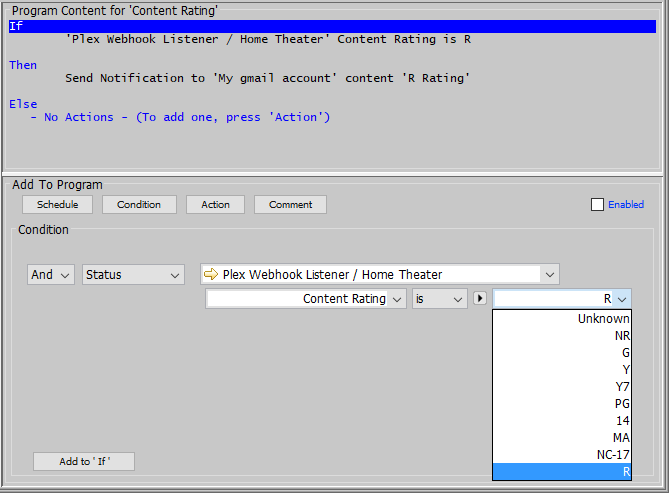
It also has a special feature called Rapid Trigger. It can alert you if a user is causing too many events in a given time. i.e. If you have kids that think it is fun to play/pause repeatedly! You can write a program to alert you via the ISY’s various methods of doing so.
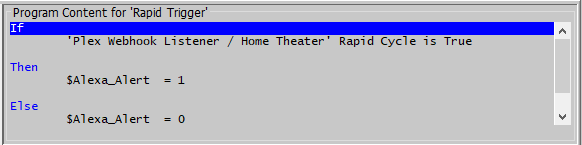
This program sets a state variable that triggers the ISY Portal to have Alexa announce “Please Stop Doing That.”
Prerequisites:
- You will need a Polisy or PolyglotV2.
- You need firmware version 5.0.16C or higher
Keep safe and thank you!

 new weather services to integrate with your ISY, the following requirements must be met:


 So, although we are sad to say farewell to our beloved Climate Module on 03/31/2020*, but we are excited to offer you more choices and enhanced features through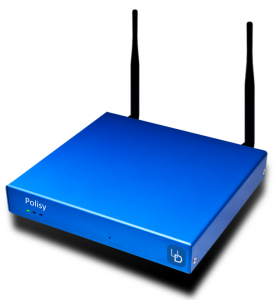
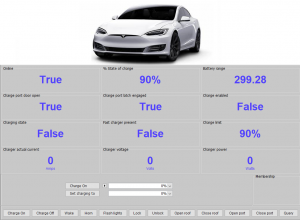 that allows integration of anything into ISY. These things show up just like any other device, can be included in scenes, and available in programs.